

Did you know your iPhone has a SECRET BUTTON?

That cool logo on the back, you thought that was just a logo, eh?
It is actually a SECRET BUTTON that you can use to do tasks that otherwise would take more time or more fingers to do! It’s so cool I just had to share it.
How would like to just double-tap the back of your phone with your finger to activate Siri? Or take a screen shot? Maybe quickly lock your screen or even find your keys?
Well, if you have iOS14 installed, you can!
Here is how to do it:
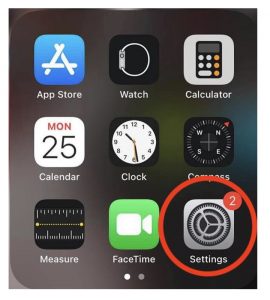
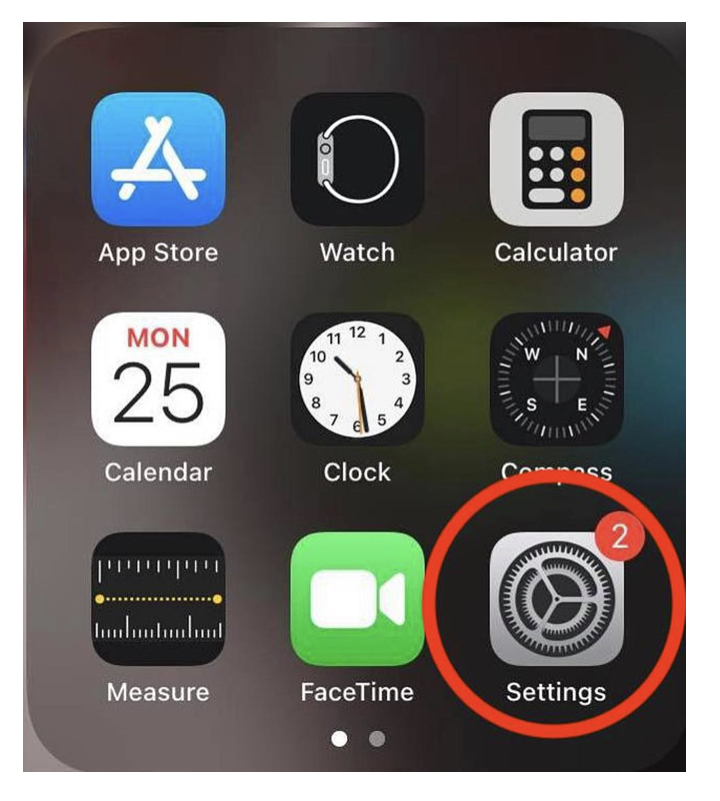
1. GO TO SETTINGS
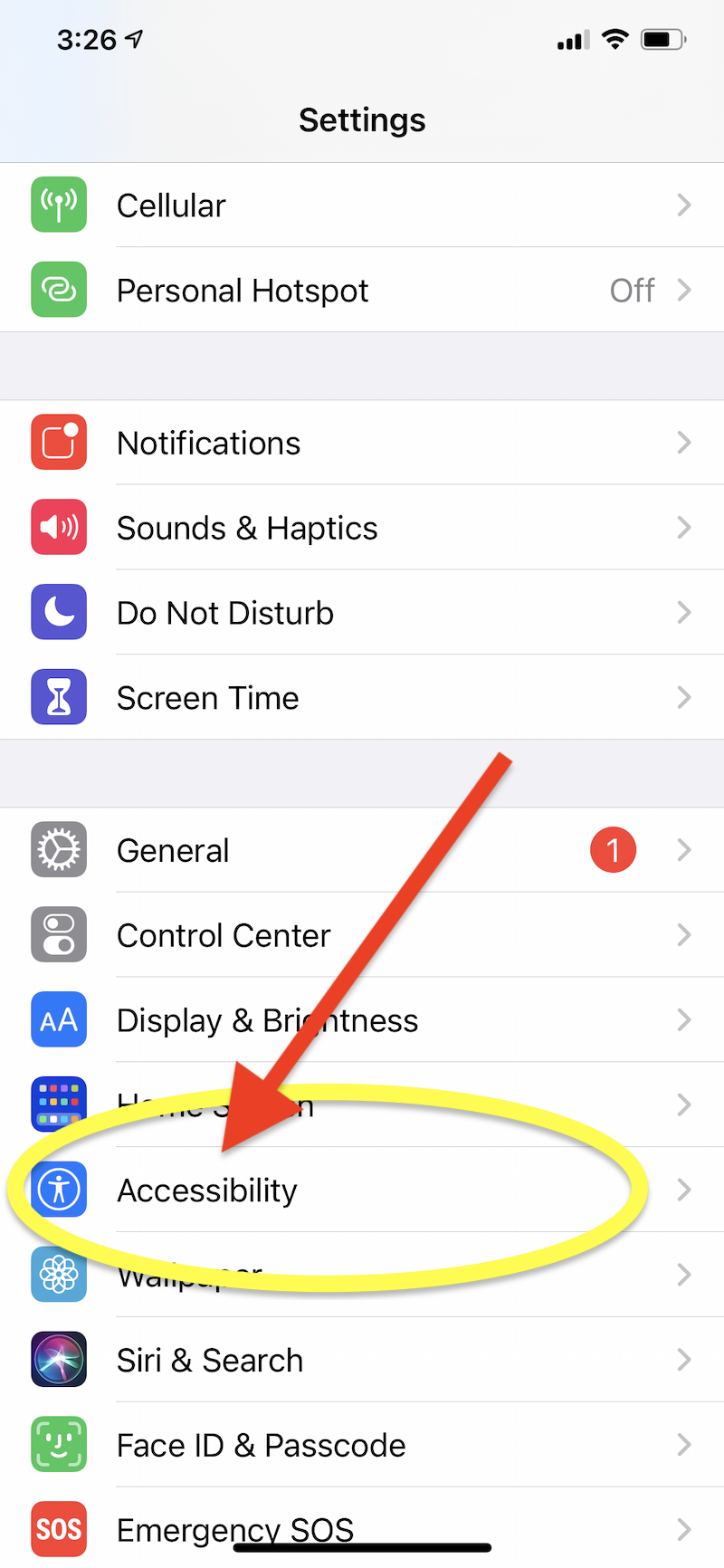
 2. GO TO ACCESSIBILITY
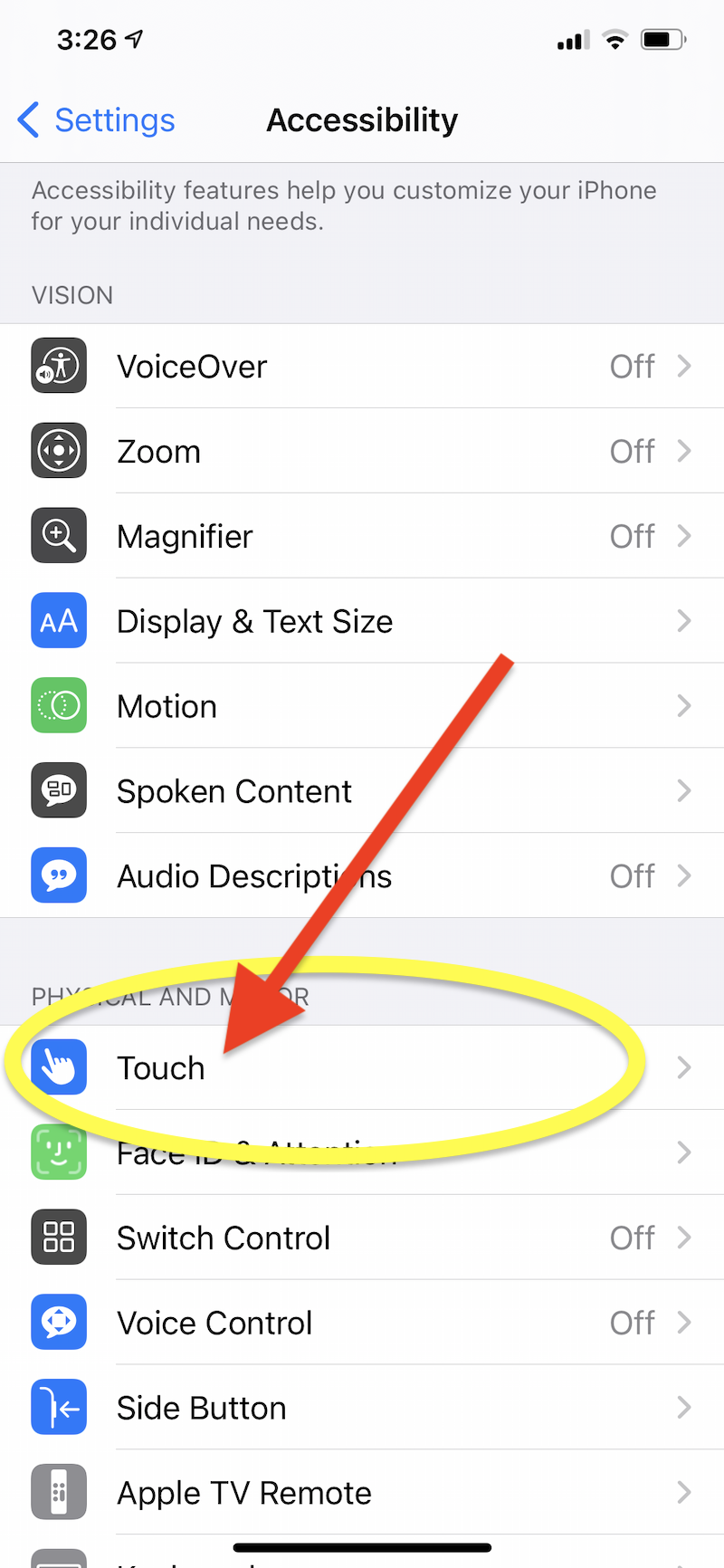
 3. GO TO TOUCH
4. SCROLL DOWN TO “BACK TAP”
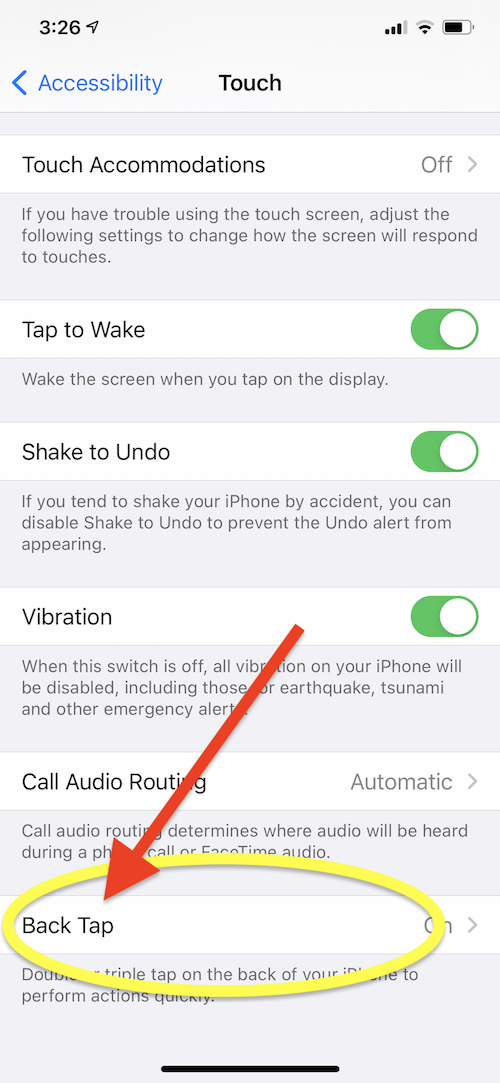
5. CHOOSE WHICH YOU WANT TO SET, Double Tap or Triple Tap.
These are the only two options. Unfortunately, there is no option for 8 or 17 taps!

6. THEN CHOOSE WHAT YOUR DOUBLE-TAP OR TRIPLE-TAP WILL DO!
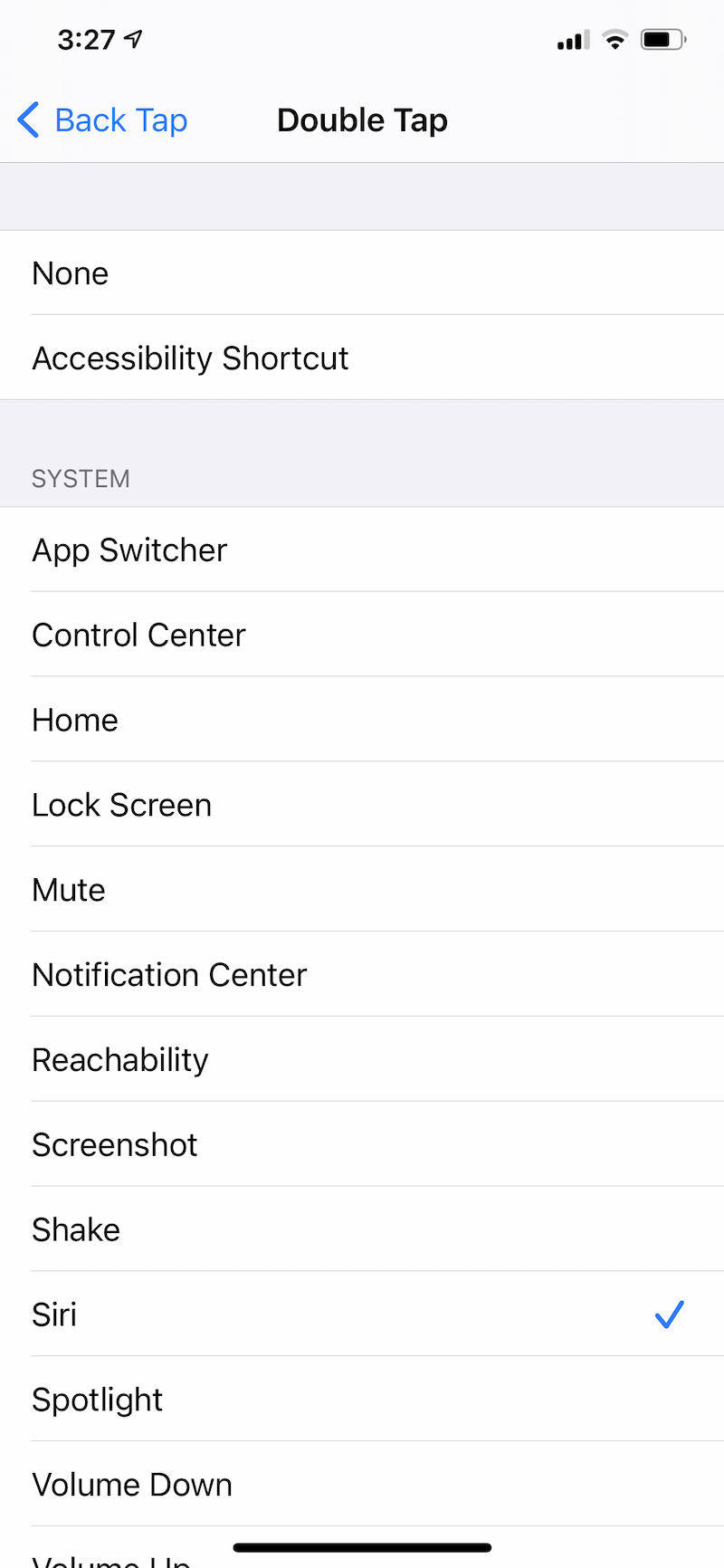 I choose Siri for Double Tap and Screen Shot for Triple Tap since those are two commands I use a lot!